LiDAR file viewer

LAZ Viewer — Open Compressed LiDAR Files Online

A LAZ file is a losslessly compressed LAS point cloud. WolkeViz opens supported LAZ files locally in the browser so you can verify geometry, attributes, colouring, classifications, and scale without uploading the file or installing desktop point-cloud software.
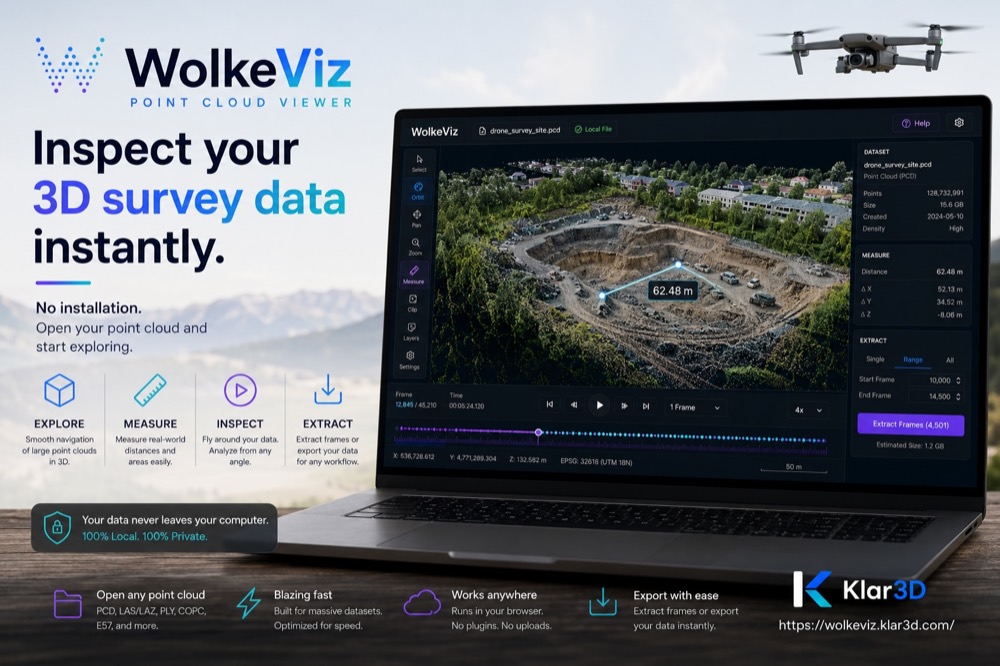
WolkeViz promotional graphic for inspecting survey LiDAR point clouds

At a glance

What to know before opening the file

What LAZ stores

LAZ preserves LAS point records while reducing storage and transfer size through lossless compression. Coordinates, intensity, return information, classifications, GPS time, and other dimensions depend on the point format in the file.

What to check first

Confirm point count, bounds, coordinate scale, colour or intensity availability, and classification values before starting a larger processing workflow.

Private local inspection

WolkeViz reads and decodes a selected LAZ file on your computer. The local file is not uploaded to a conversion service, and no account is required to inspect it.

Practical workflow

Check a LAZ file before processing it

  1. Open WolkeViz and select the LAZ file from your computer.
  2. Fit the point cloud, then compare RGB, height, intensity, or classification colour modes when those attributes are present.
  3. Check the bounds and a known distance before using the data in mapping, survey, or analysis work.
  4. Use clipping tools to isolate a smaller area when the whole scene makes inspection difficult.

Technical notes

Why LAZ opens differently from a plain text point list

LAS and LAZ are binary formats with a header that describes the point-data layout, scale, offset, and point count. Integer X, Y, and Z values are converted to real-world coordinates with the scale and offset recorded in that header; a viewer should not treat the raw integers as map units.

LAZ compression changes how point records are stored, not the meaning of the point attributes. WolkeViz's current conventional LAS/LAZ decoder supports LAS 1.0–1.3 and point formats 0–3; newer LAS 1.4 point formats should fail explicitly rather than appear partially decoded. COPC uses a separate scalable reader.

A quick viewer is useful for validation, not a substitute for documenting the coordinate reference system or quality-control decisions. Check project metadata and deliverables when coordinate reference, vertical datum, or survey accuracy matters.

Questions and answers

Common questions

Can I open a LAZ file without CloudCompare?

Yes. A browser-based viewer such as WolkeViz can be a quick first step for supported LAZ files when you need to see and verify a scan without installing a desktop application.

Is LAZ lower quality than LAS?

No. LAZ compression is designed to be lossless for the point data, so decompression recovers the stored point records. The quality of the survey itself is separate from the file compression.

Why does a LAZ file look flat or misplaced?

Check the coordinate scale, offset, axis orientation, units, and whether the viewer is showing height relative to the dataset bounds. The coordinate reference system may also be documented outside the point cloud.