
Point-cloud files can be large, specialized, and awkward to inspect when the only goal is to answer a quick question: does this dataset look right? WolkeViz is built for that first look.
WolkeViz is a browser-first point-cloud viewer developed by Klar3D. Open a file, see the scene, change how the points are displayed, and verify the data without installing a specialist desktop package.
Open WolkeViz Watch: ROS 2 MCAP files
What you can use it for
- Quickly inspect a LiDAR delivery before processing it further.
- Check whether LAS, LAZ, PLY, or PCD files contain the expected scene and attributes.
- Explore large COPC datasets with view-dependent access.
- Open ROS 2 MCAP recordings that contain
sensor_msgs/msg/PointCloud2data. - Measure distances and isolate a useful part of a point cloud with clipping tools.
- Share a simple viewer with students, teammates, or collaborators.
The goal is not to replace a full desktop point-cloud package. It is to make routine visual verification quick enough for ordinary laptops and accessible to anyone with a modern browser.
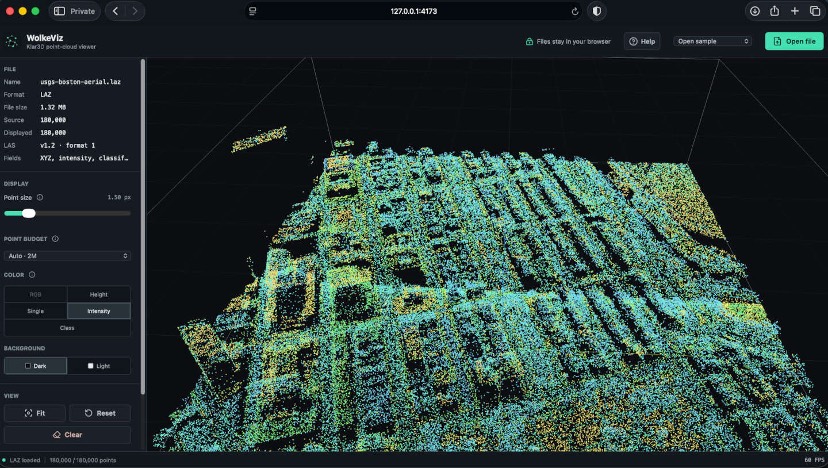
Supported files, without the setup overhead
WolkeViz currently supports PLY, PCD, LAS, LAZ, COPC, and ROS 2 MCAP point-cloud recordings. MCAP is a recording container, so the message type inside it matters: WolkeViz is designed for recordings containing ROS 2 sensor_msgs/msg/PointCloud2 messages.
That makes the workflow straightforward: open the web app, choose a file, and begin inspecting. There is no software installer to distribute when someone only needs to confirm what a dataset contains.
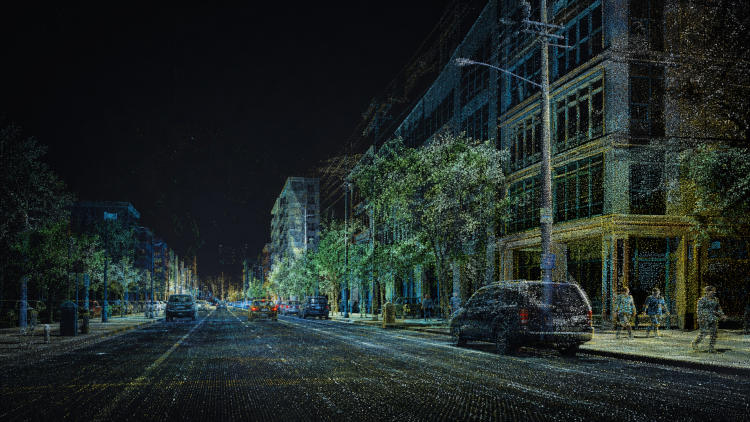
Local-first means the file stays local
When you open a local dataset, the browser reads it on your computer. WolkeViz parses the file client-side, using Web Workers to keep heavy work away from the main interface, then passes the prepared point data to the Three.js renderer and your GPU.
This is a privacy choice as well as a technical one. The local-file workflow does not require a conversion server, database, login, or cloud upload. Your scan stays on the machine where you selected it. A web application is not automatically private, but this workflow is deliberately designed so local files do not need to leave the browser.
The app can also be deployed as static assets. Its application shell and compact built-in samples can be cached for offline use, while your selected LiDAR files are not silently added to the browser cache.
View, measure, and narrow down the scene
The fastest way to validate a file is often visual: fit the view, try a different color mode, inspect the density, and check a known distance. WolkeViz supports practical display modes such as RGB, elevation, intensity, and classification, helping you understand both the geometry and the attributes available in the file.
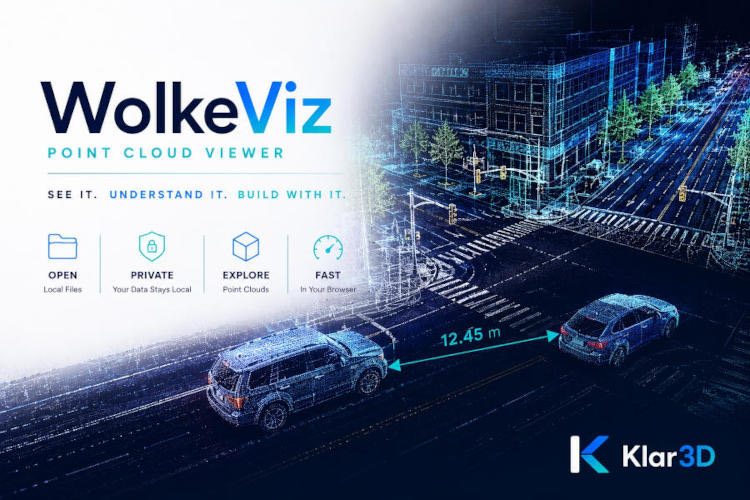
For a closer inspection, clipping or crop-box workflows let you focus on a smaller region instead of navigating the entire scan at once.
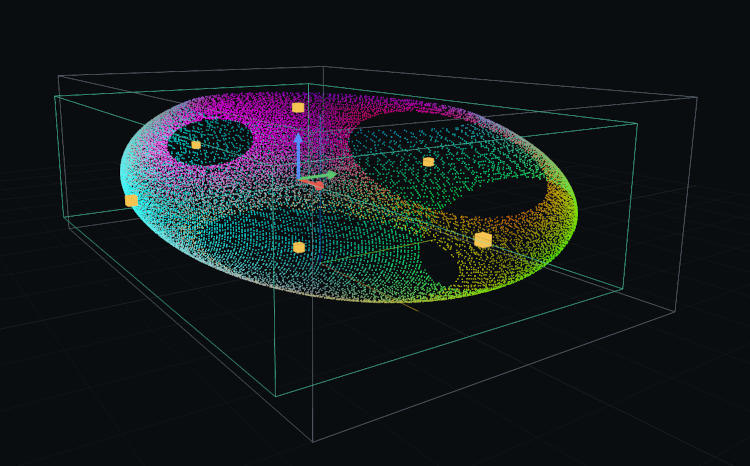
A useful first check for real datasets
WolkeViz fits between receiving a file and committing to a larger workflow. Before writing a converter, launching a processing job, or asking someone else to install a tool, you can check:
- Is the scene present and oriented as expected?
- Are the colors, intensity values, or classifications available?
- Does the point density look plausible?
- Does a measurement match a known feature or survey value?
- Does a recorded ROS 2 message contain the point cloud you expected?
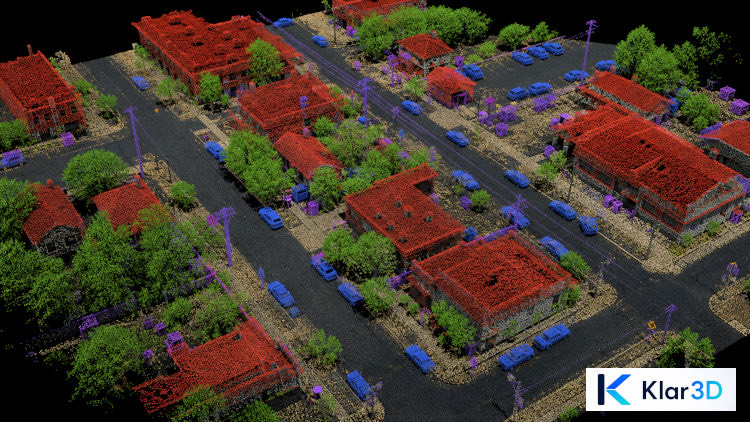
Try WolkeViz
If you need a quick, private way to verify point-cloud data, open WolkeViz ↗. For a ROS 2 example, watch Open ROS 2 MCAP Files Easily — No Software Installation on YouTube.
You can also visit the WolkeViz tool page for a concise overview of the viewer.