01
GIS, survey, and mapping
Open LAS and compressed LAZ files to check spatial coverage, density, RGB, intensity, elevation, and classification values. Measure features or use a crop box to isolate a smaller area for export.

Browser-based point-cloud viewer
Open, verify, measure, crop, and export spatial data without installing specialist desktop software. Local files stay on your computer: WolkeViz processes them in the browser instead of uploading them to a conversion server or cloud service.
What it is
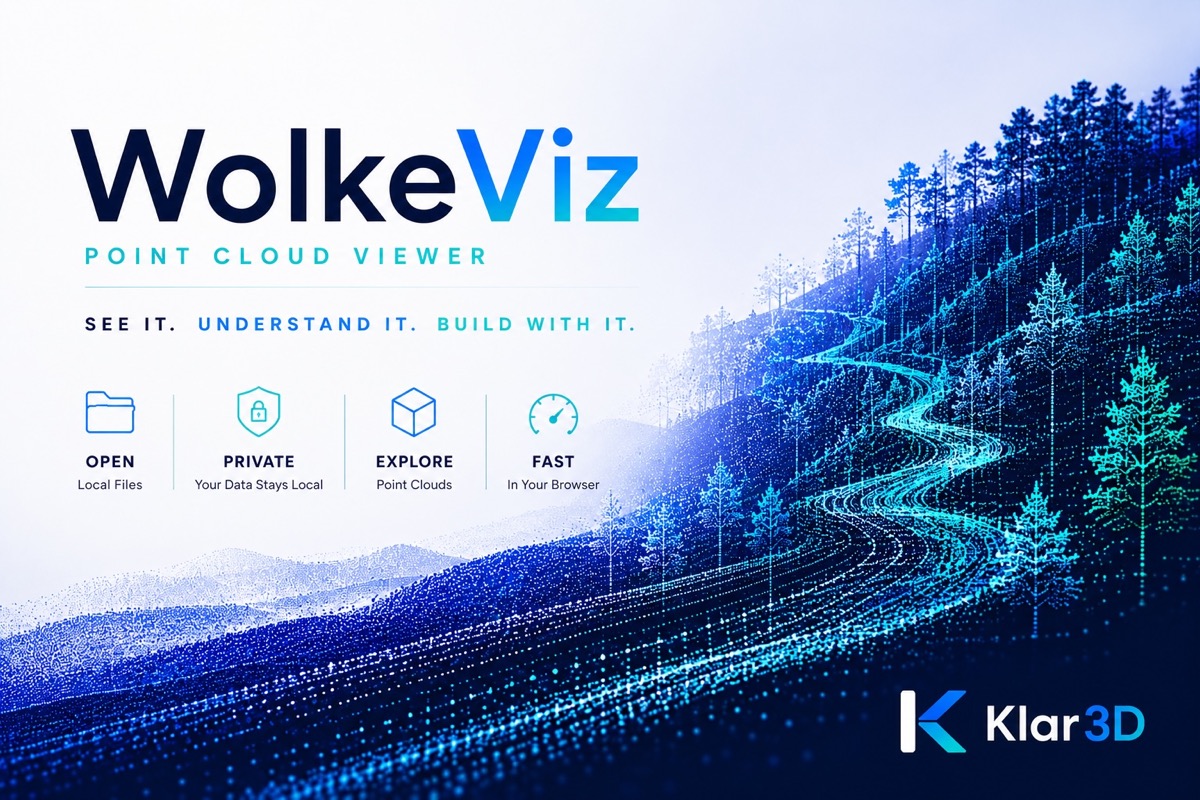
WolkeViz is an online LiDAR and point-cloud viewer that runs on your device. Use it to check whether a file opens, inspect its coverage and attributes, review individual robotics frames, take measurements, or prepare a smaller dataset before moving into a larger GIS, robotics, or analysis workflow.
sensor_msgs/msg/PointCloud2.Private by design
Selecting a local file does not send the point cloud to Klar3D or to a third-party cloud processor. Reading, parsing, and rendering happen inside your browser on your computer.
Practical workflows
WolkeViz is useful when the immediate question is simple: “What is in this file, and is the data usable?”
01
Open LAS and compressed LAZ files to check spatial coverage, density, RGB, intensity, elevation, and classification values. Measure features or use a crop box to isolate a smaller area for export.
02
COPC stores LAZ point records in a spatial hierarchy. WolkeViz can use that index to begin viewing relevant portions instead of decoding an entire dataset first. A properly organized 10 GB COPC file can reach an initial view in under five seconds, depending on storage or network speed and the viewing device.
03
Open a supported ROS 2 MCAP recording, select a PointCloud2 topic, and inspect LiDAR data frame by frame. This is useful for sensor checks, route review, debugging, and finding the exact moment needed for analysis.
04
Turn a long recording into a focused collection of point clouds. Extract one frame or multiple frames by start/end range, every n frames, or a requested number of equally spaced samples, then download the selected outputs.
Inspection tools
Who it helps
WolkeViz is built for robotics engineers, GIS and survey teams, researchers, educators, students, and developers who need a quick, understandable view of 3D data.
It does not try to replace every function in a full desktop point-cloud suite. It removes the friction from opening and verifying a file, sharing an accessible viewing tool, and extracting the subset needed for the next task.
Read the LiDAR and point-cloud guides →No installation required
Launch the viewer, choose a local file, and begin inspecting it in your browser.