
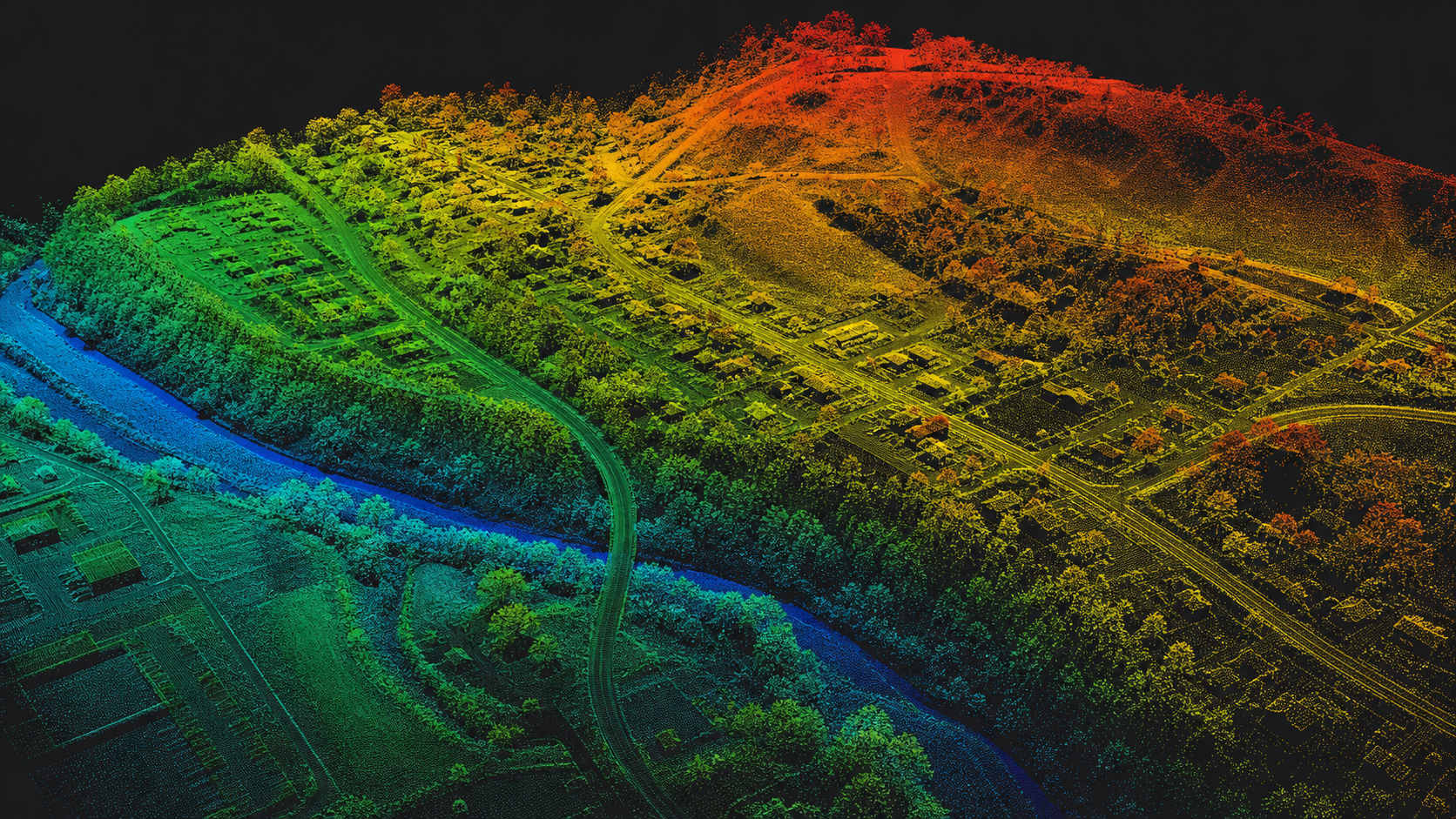
MCAP is a container and log format for recorded message streams. It is commonly encountered in robotics, autonomy, and sensor-data workflows where a run needs to be recorded and replayed later.
The container is not the message
An MCAP file can contain channels or topics carrying different schemas and message types. The container organizes the recording, timestamps, metadata, and serialized messages; it does not mean that every MCAP file contains the same kind of data.
That distinction is important when choosing an inspection tool. A file containing camera messages has different requirements from one containing point-cloud messages, even though both may be stored in MCAP.
Why inspection can be inconvenient
Recorded data is often tied to a particular robotics stack, schema package, or internal playback tool. Setting up the complete environment can be disproportionate when the immediate goal is only to confirm timestamps, understand a scene, or check whether a recording contains usable sensor data.
Browser-based inspection can provide a convenient first step. It avoids changing the recorded file and can help answer basic questions before a deeper, application-specific pipeline is assembled.
Where WolkeViz fits
WolkeViz supports indexed ROS 2 MCAP recordings containing sensor_msgs/msg/PointCloud2. It should therefore be understood as a point-cloud inspection path for that documented case, not as a universal MCAP viewer. Arbitrary MCAP content, unsupported schemas, and unrelated message types require tools that understand those specific messages.
For the supported case, open the file in WolkeViz ↗ or read the tool overview. For a broader discussion of recorded streams, see how to extract frames from MCAP LiDAR and video data.